Capcut Pro Download APK
CapCut Pro features, capcut pro apk details, editing tools, auto captions, templates, and simple information about the app
Download APK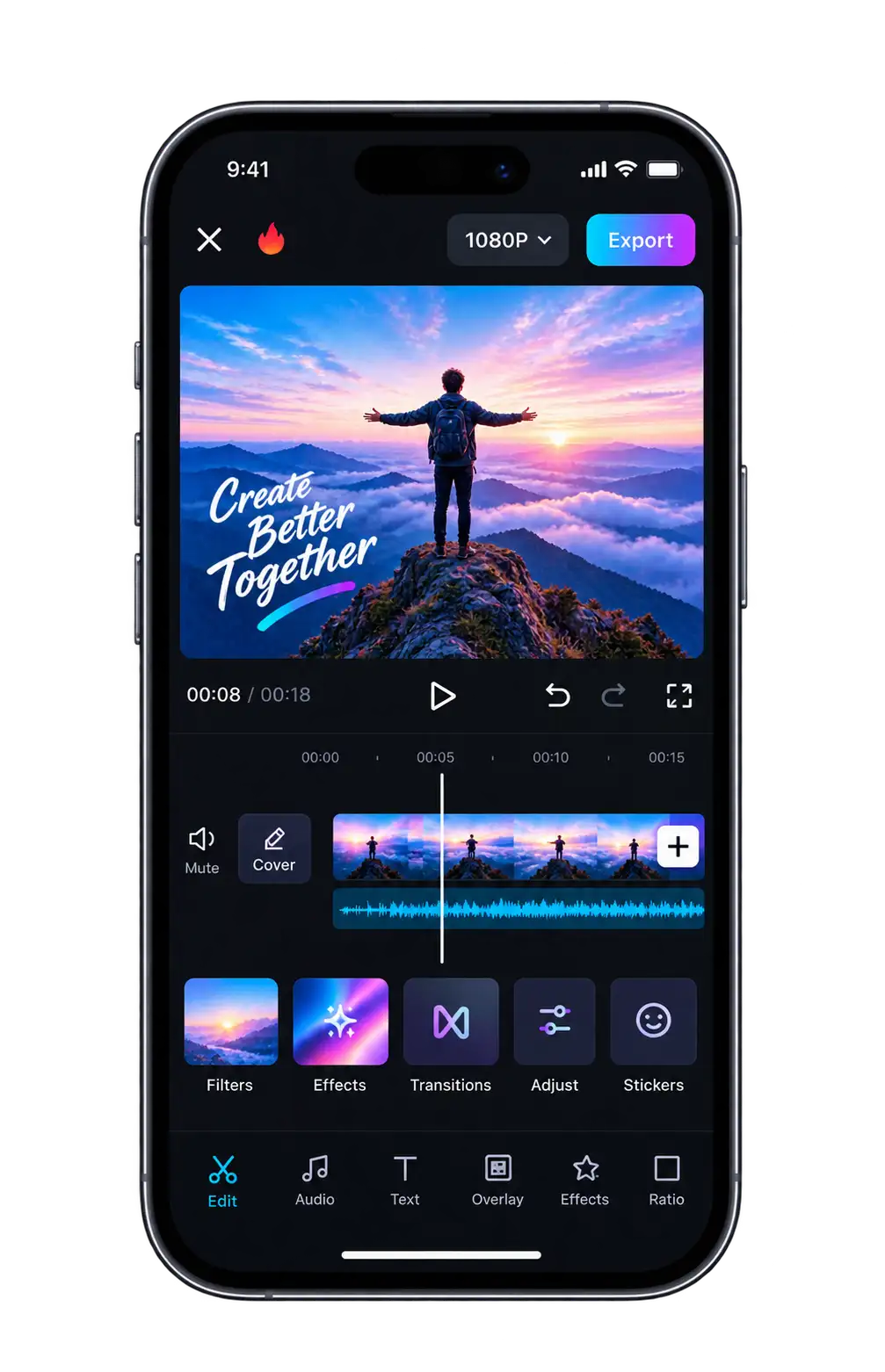
Download CapCut
CapCut can be downloaded on supported Android, iOS, and computer devices. The official app provides video editing tools for different types of projects. Users can make short clips, social media videos, and other simple content. The normal Android version can be found through Google Play where available. iPhone users can use the App Store where CapCut is supported. Desktop users can also get the official desktop version from CapCut. Some people search for capcut Pro Download apk when looking for an Android APK file. An unofficial APK is different from the official application. Before installing any APK, users should check the source, version, and permissions. It is also useful to keep enough free storage on the device.
CapCut Pro Download for Android
Android users can download the official CapCut application through Google Play where it is available. After installation, users can open the app and start editing. If an APK is used instead, the file should come from a source that can be trusted. A capcut pro apk from an unknown website can have different contents. Check the file details before installing anything outside the normal store.
CapCut App Download for iOS
iPhone and iPad users can look for CapCut through the Apple App Store where the app is available. The installation works through the normal iOS app process. After downloading, users can open CapCut and create a new project. Some tools and features can vary by country, device, or account. iOS users do not normally install Android APK files.
CapCut Application for PC
CapCut has a desktop version for supported computers. Users can download the official desktop application and install it on Windows or macOS when supported. An Android emulator is another possible way to run some Android applications on a PC. Emulator performance can depend on computer hardware and settings. The desktop version may have its own tools and layout.